

Choose Your Path
Select the authentication method that matches your use case to get started quickly.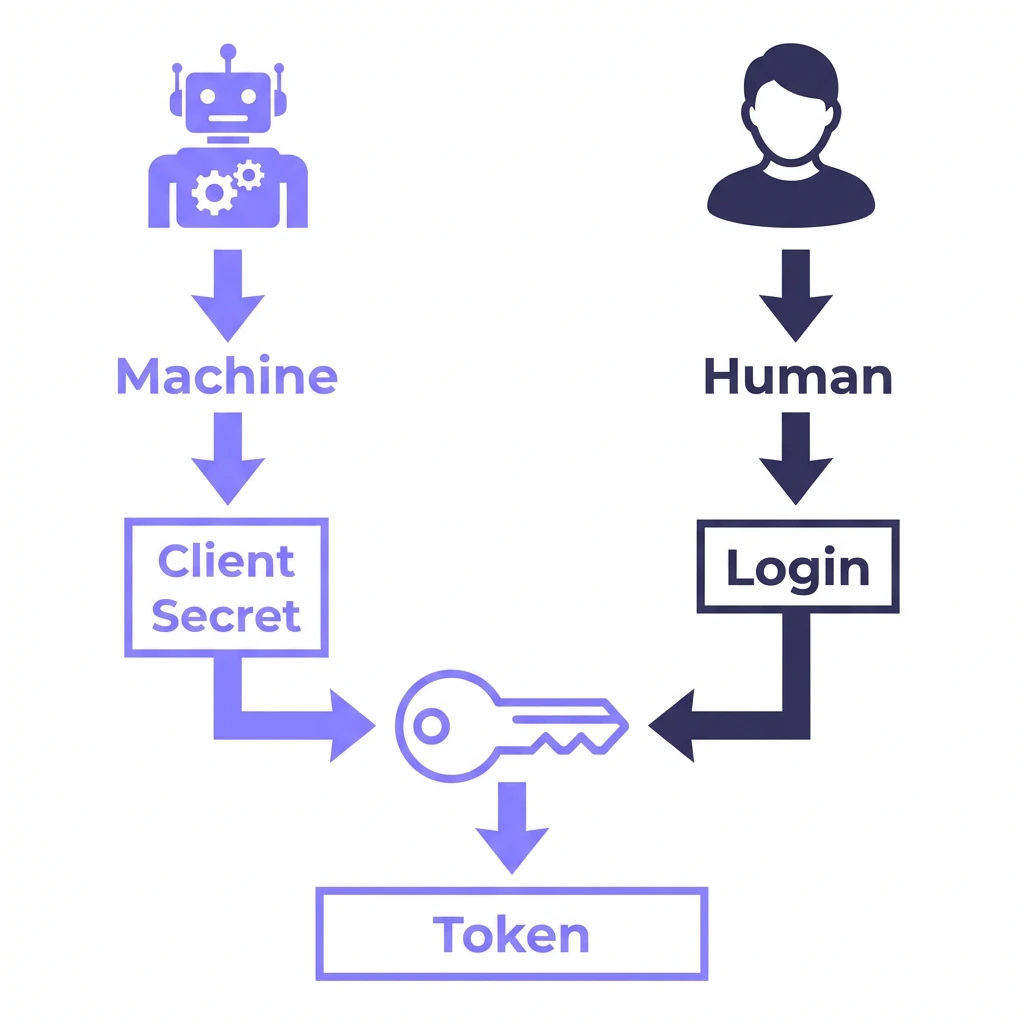
CI/CD & Automation
I need to integrate Binarly into a build pipeline (Jenkins, GitLab, GitHub Actions).Go here to set up machine-to-machine authentication.
Custom Engineering
I need to run ad-hoc queries, test endpoints, or build a custom script.Go here to generate a personal access token.
Interactive Documentation
Explore our full API reference and test endpoints directly in the browser using our Swagger UI. Swagger UI URL:https://<YOUR_DASHBOARD>/api/v4/swagger/
Note: Replace<YOUR_DASHBOARD>in the URL above with your specific dashboard domain (e.g.,dashboard-myorg.binarly.cloud) to access the interactive documentation for your instance.