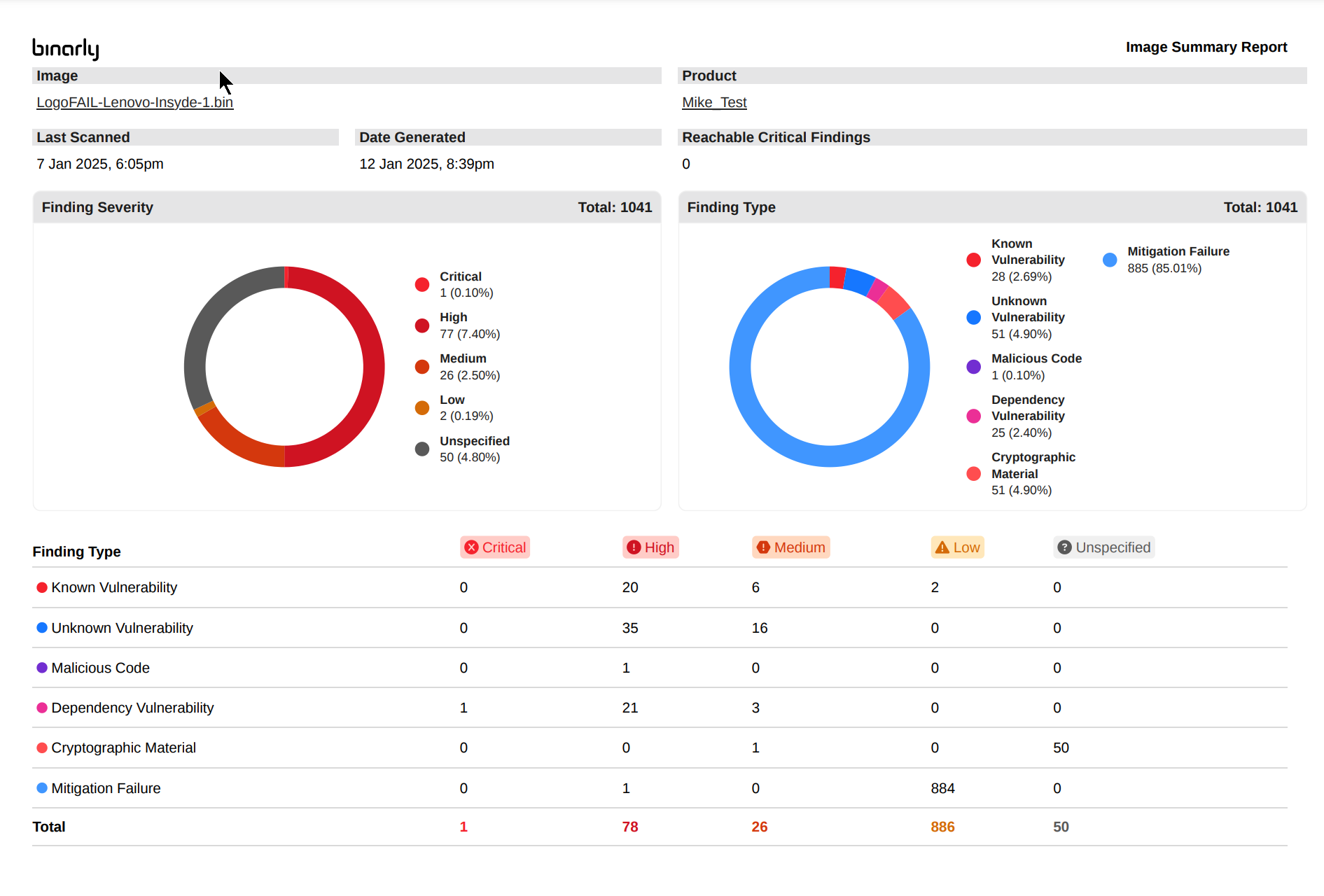
The Transparency Platform offers multiple reporting and output generation options to assist with understanding findings, facilitating information sharing, and supporting mitigation efforts. The type of output generated varies depending on the selected format and the context from which it is generated. Different outputs are tailored to meet the needs of various audiences. For instance, a high-level PDF report provides an overview of findings within a specific image, making it suitable for stakeholders who require concise summaries. Conversely, an image-specific JSON output is designed for machine consumption, enabling integration with tools or pipelines to streamline remediation or issue tracking processes. Additionally, the platform supports specialized outputs for Software Bill of Materials (SBOM) and our patented Cryptographic Bill of Materials (CBOM) generated from Binary. These outputs offer unparalleled visibility into third-party components and cryptographic materials embedded within analyzed binaries. This exposes a view into the true composition of the software regardless of what is attested to in a vendor supplied bill of materials. This ensures a comprehensive understanding of the security posture of components, supporting both compliance and risk management efforts. From Main image view, summary and detail reports can be generated for all findings associated with a specific image. These reports can be generated into PDF or JSON formats. It should be noted that images such as large Docker containers or BMC Firmware images for example Can contain a large amount of dependency vulnerabilities that in turn produce large PDF reports. Options exist to allow the generation of summary PDF and JSON reports from a filtered set of criteria. This further helps to focus the report recipient or consumer on specific findings of interest. For example: a specific component, vulnerability type, or severity of findings could be selected and then subsequently reported on. Reports generated from this main View are typically used to convey the overall security posture or vulnerability status of an analyzed image as a whole. Deep vulnerability details should beGenerated individually for improved consumability, visibility, and actionability.

Image Report Examples

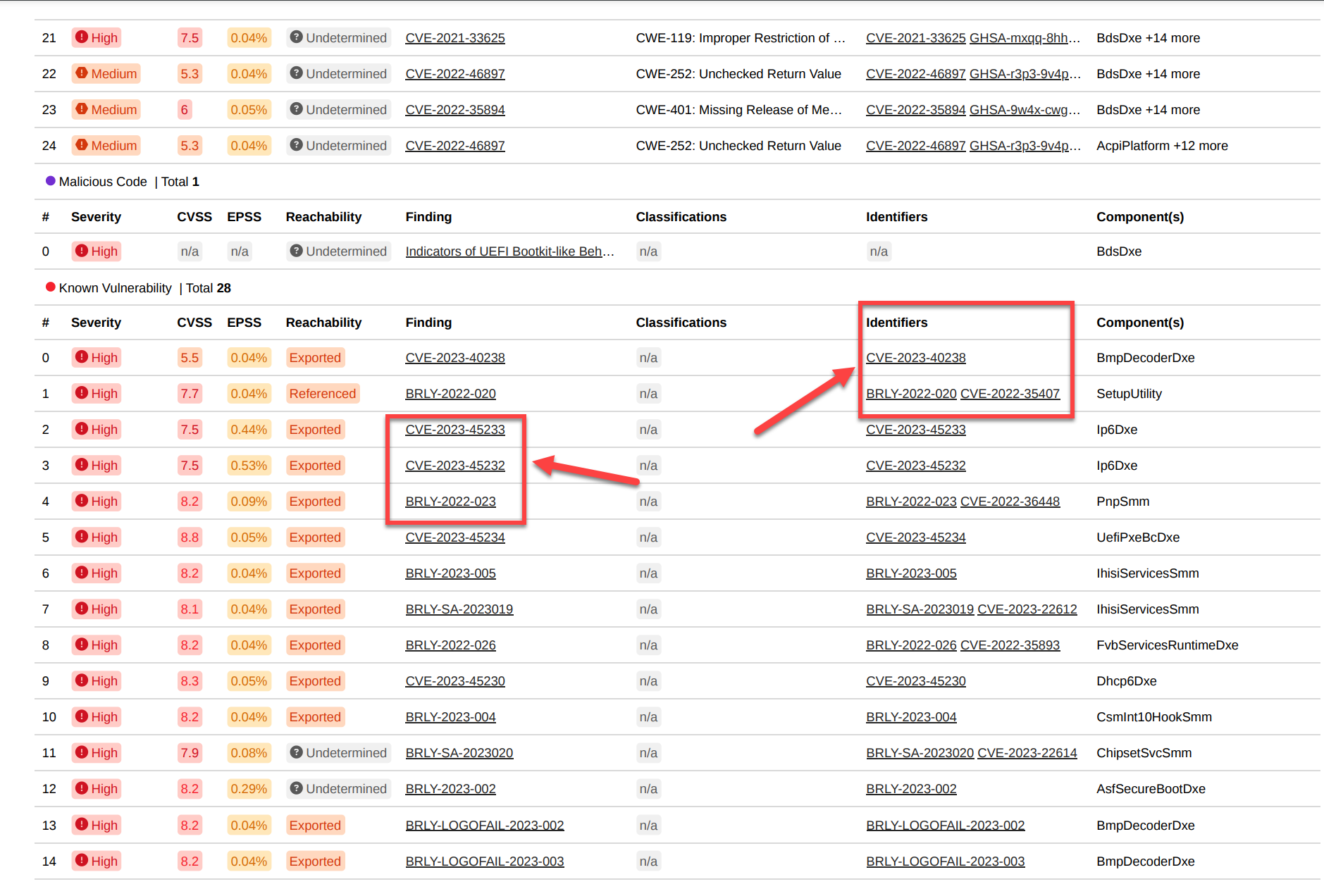
Image Summary PDF Report Image Detailed PDF Report
Finding Detail Reports

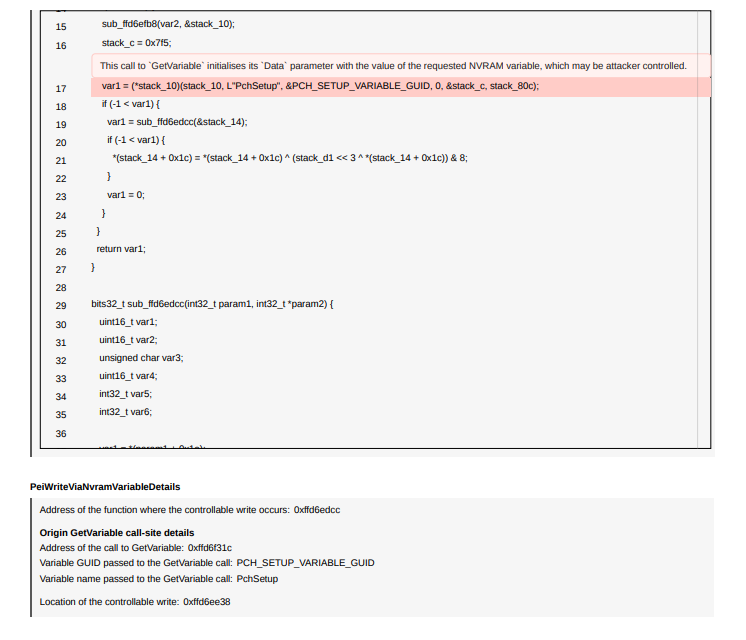
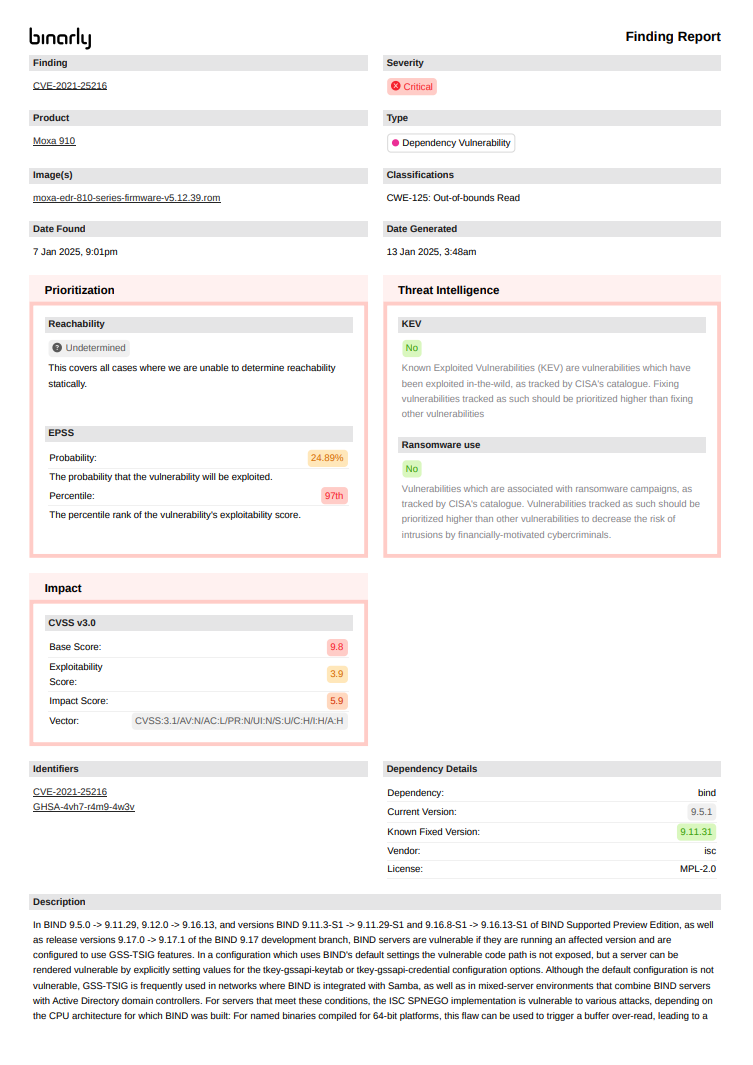
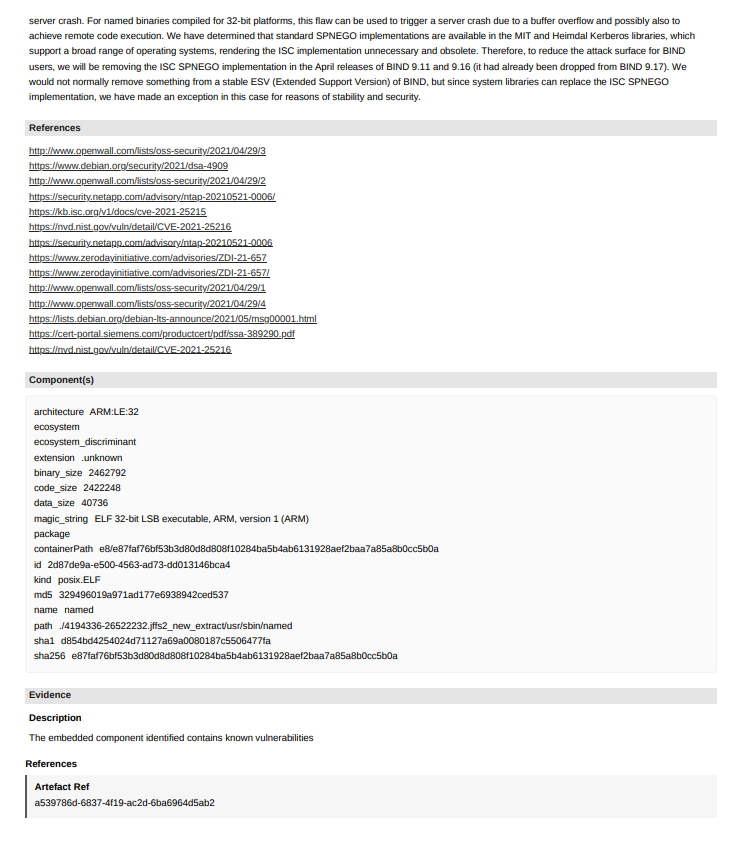
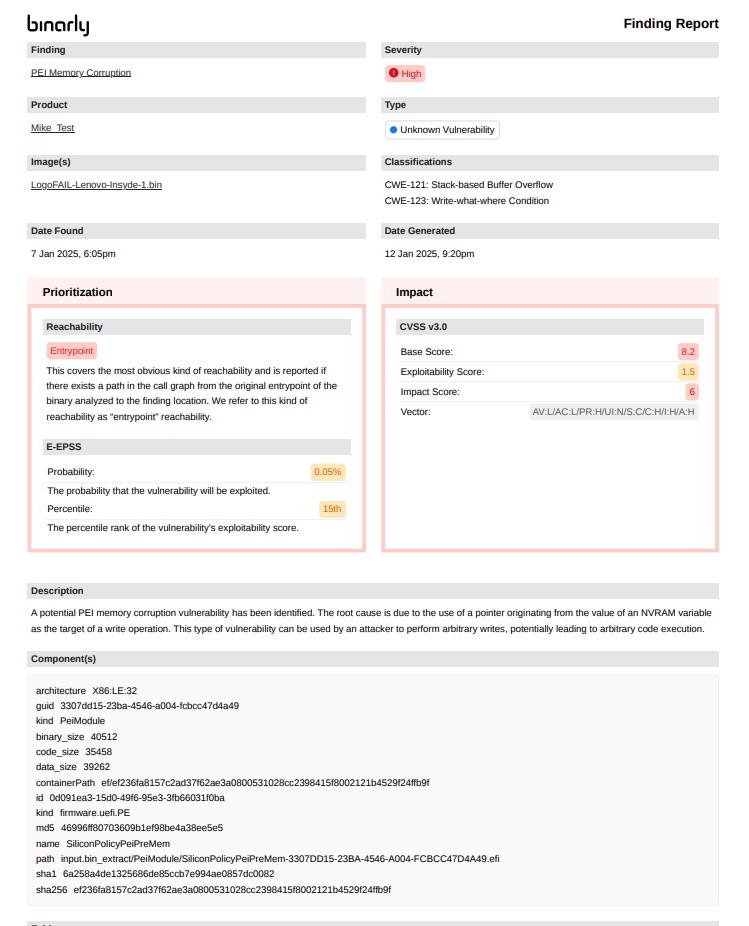
Reports generated from within the detail view of a finding are typically used to convey a highly detailed View of the vulnerability including all aspects of the finding. this provides the recipient with all the information necessary toFurther investigate or take actions to remediate or mitigate the finding. This output will include all industry references (CVE , CVSS, CWE, EPSS), descriptions, and component details for the selected finding. For specific finding types Known, Unknown vulnerabilities and Malicious Code) extended component vulnerability location details will also be included in the report. This includes Pseudo code representations of the findings where applicable.

PDF finding Output Examples

  • Unknown vulnerability finding detail report
  • Dependency Finding Detail Report
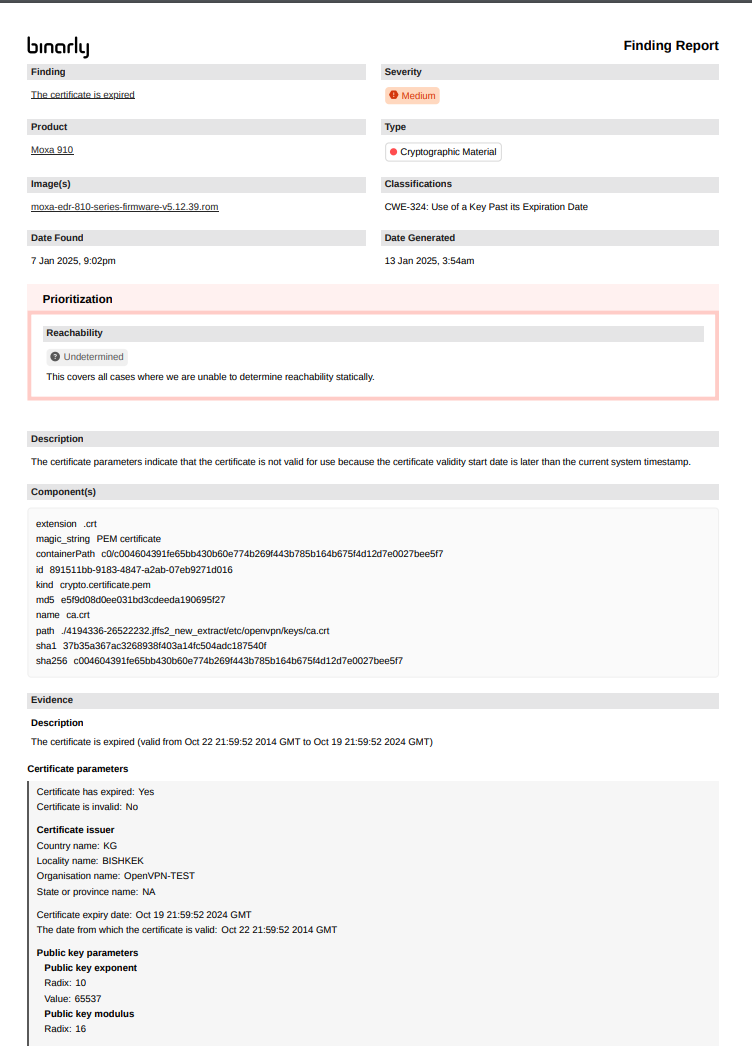
  • Cryptographic Material finding Detail Report
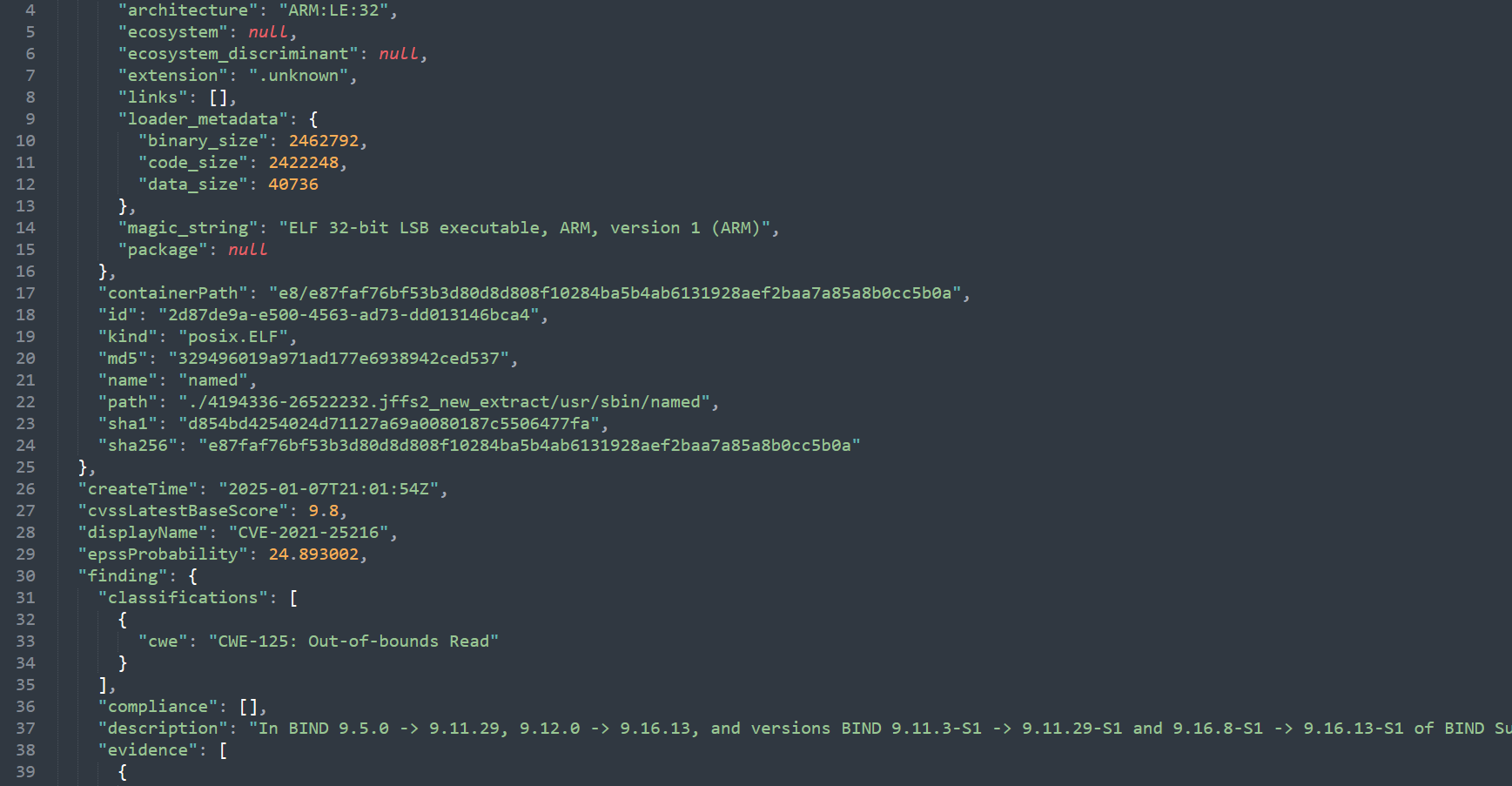
JSON finding Output examples

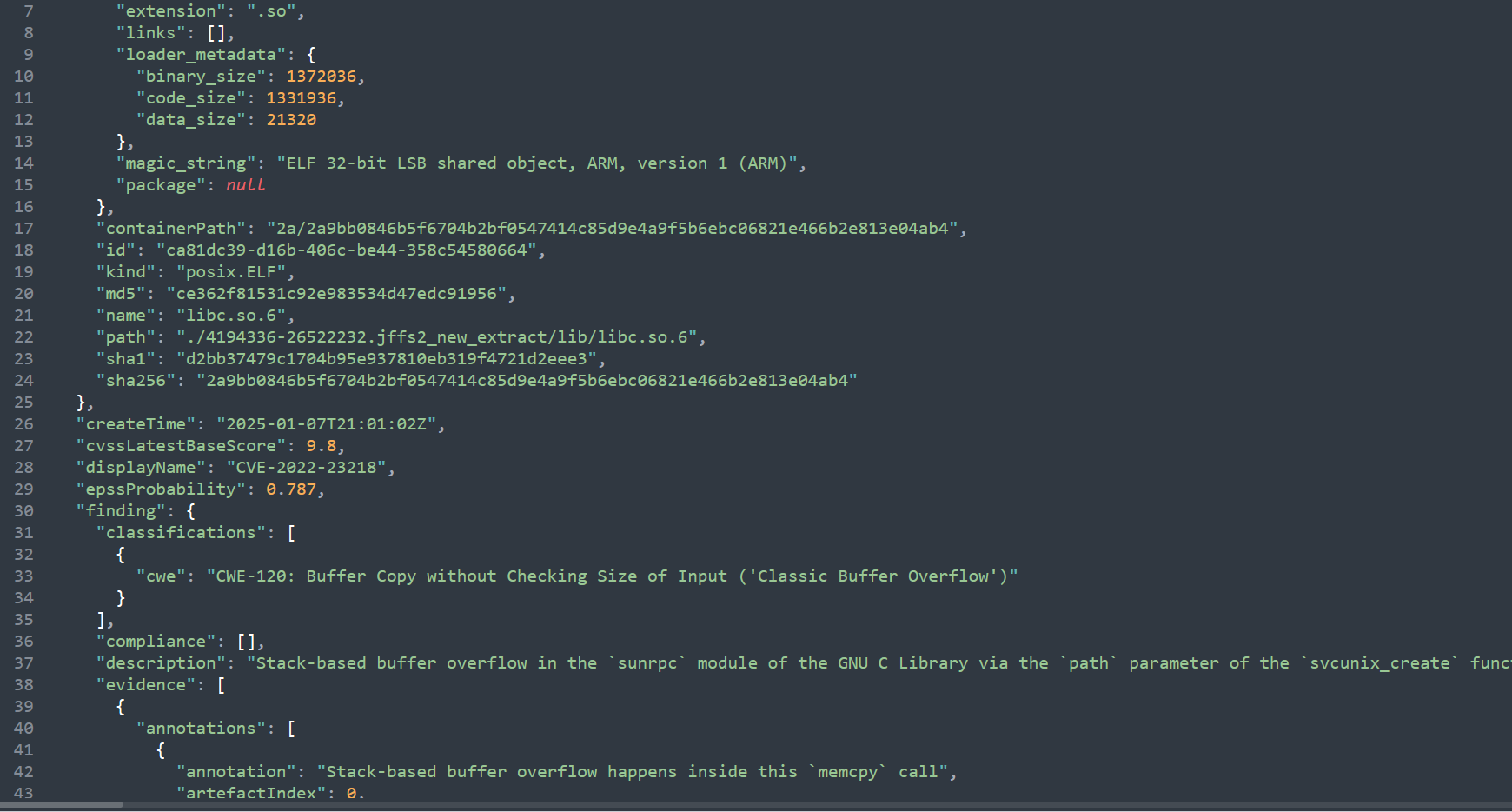
  • Known vulnerability finding detail output
  • Dependency finding detail output
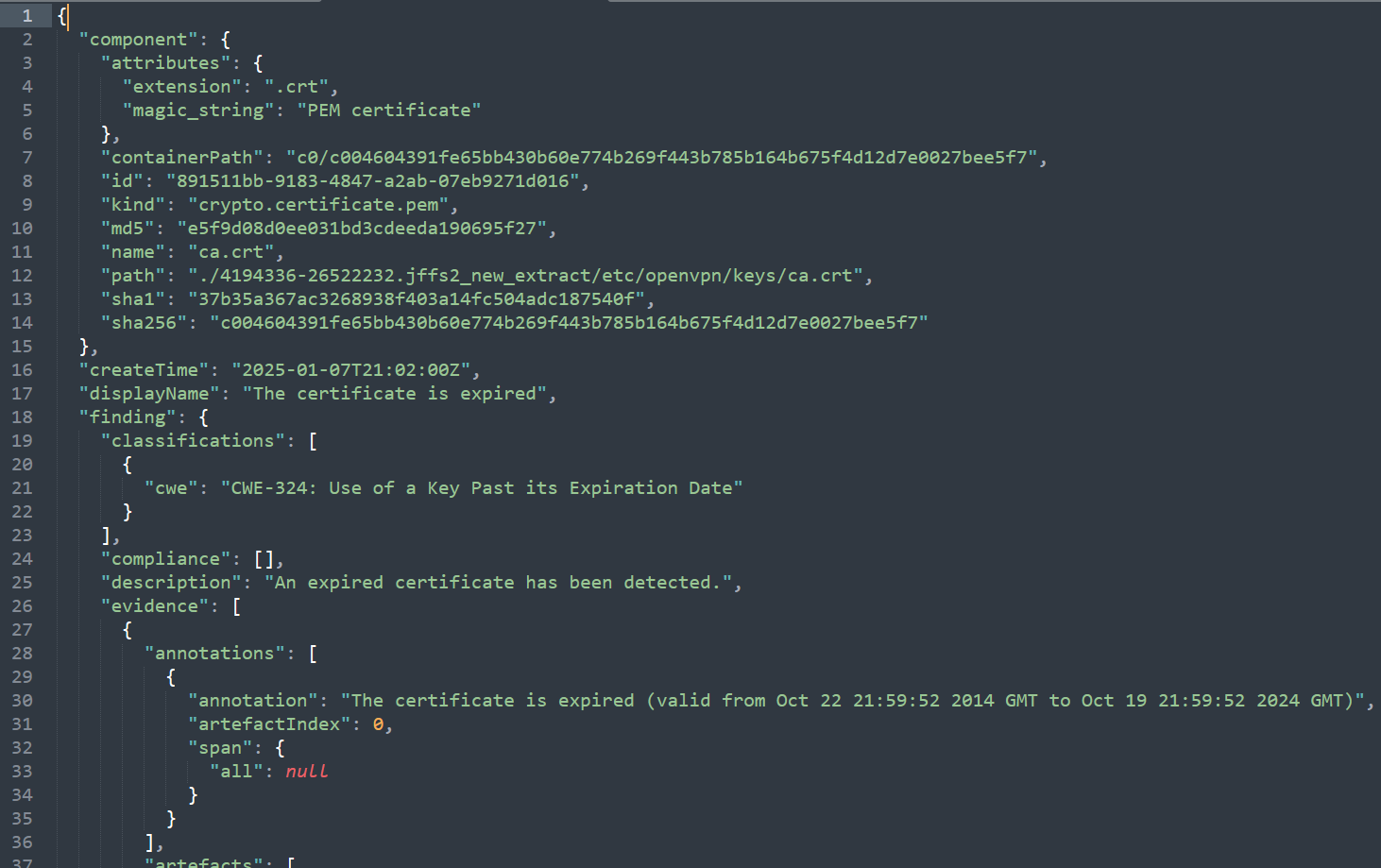
  • Cryptographic Material finding detail output
Bulk Finding Export

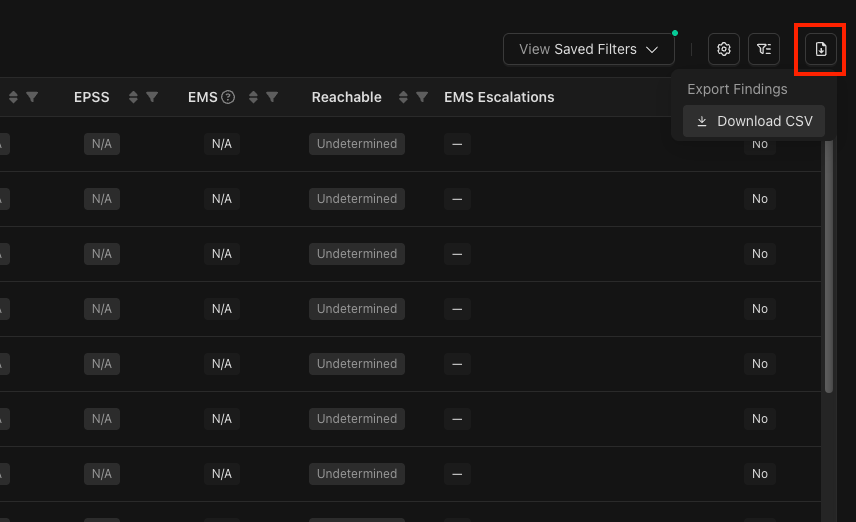
Findings can be exported as CSV files. This bulk export includes all columns from the findings grid, as a direct export of what the findings grid currently displays. Screenshot of the findings grid with the CSV export menu item selected. This feature is especially valuable for bulk data analysis, creating specialized reports, or importing findings data into other security management tools and workflows.