

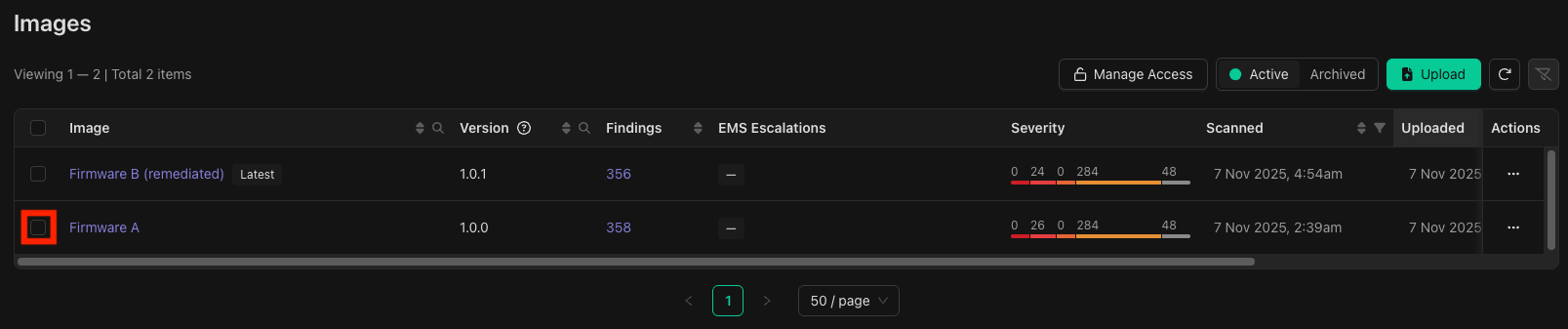
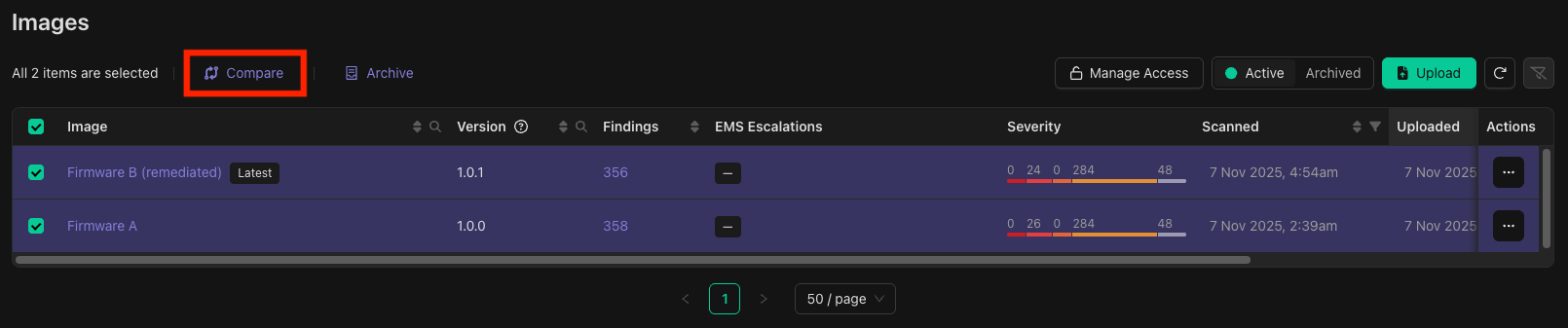
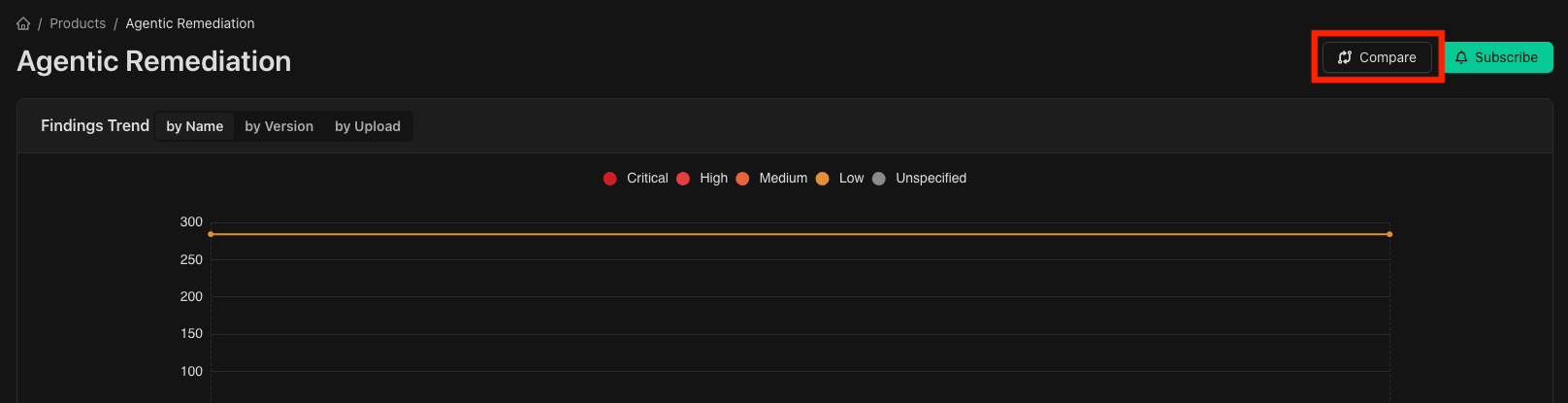

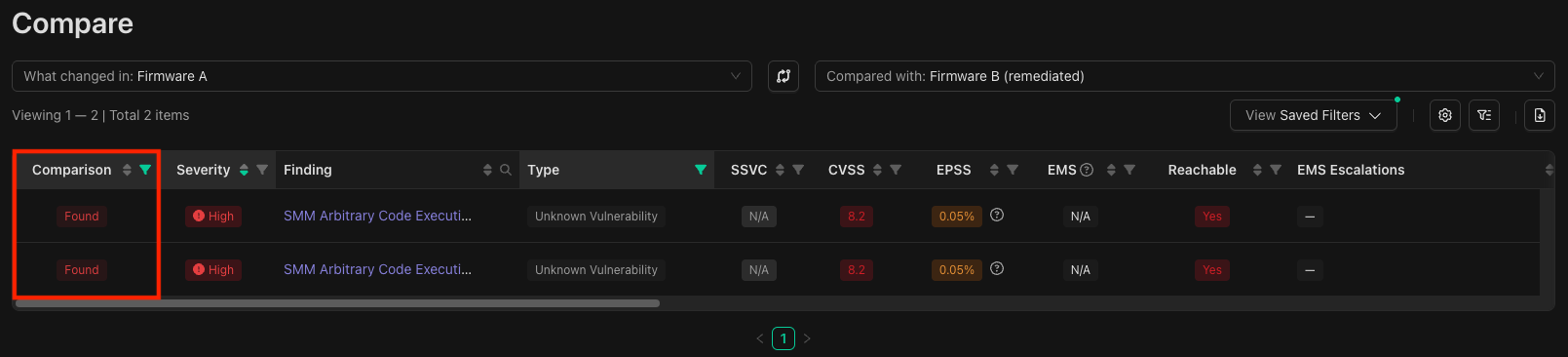
- Not Found: present in the left image but not the right,
- Found: present in the right image but not the left, or
- Not Changed: present in both images.
Comparing Images
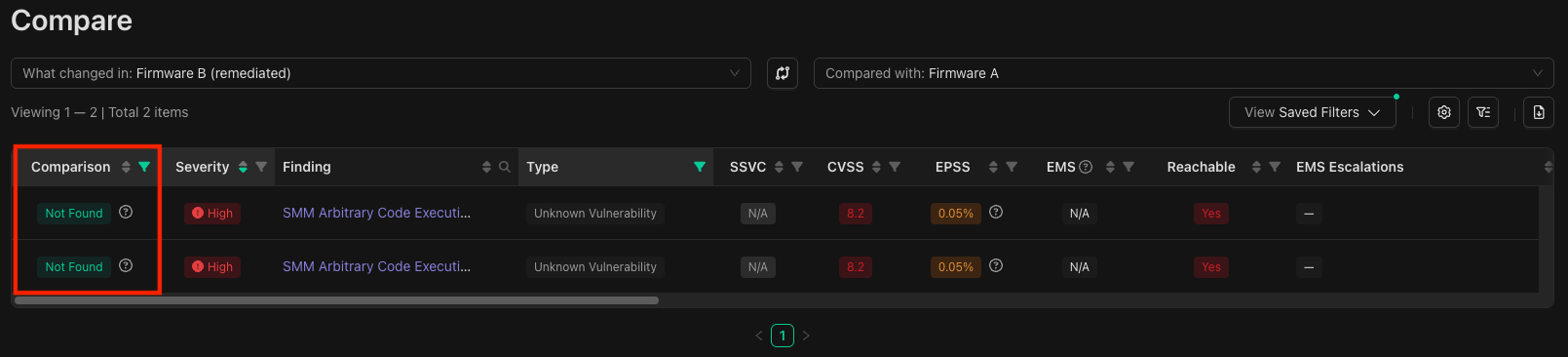
To verify a finding was remediated and thus no longer exists in an image, first select the vulnerable image, the one where the finding is present, on the right and the fixed image on the left of the comparison view. If they’re on opposite sides of the comparison view, the swap button between them (marked below) swaps the images around.
Programmatic Access
Compare images programmatically using the Binarly API:- Triage & Analysis API - Compare images via API