

Accessing the Playground
Navigate to Rules → Playground in the left sidebar.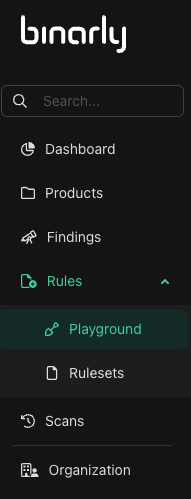
Interface overview
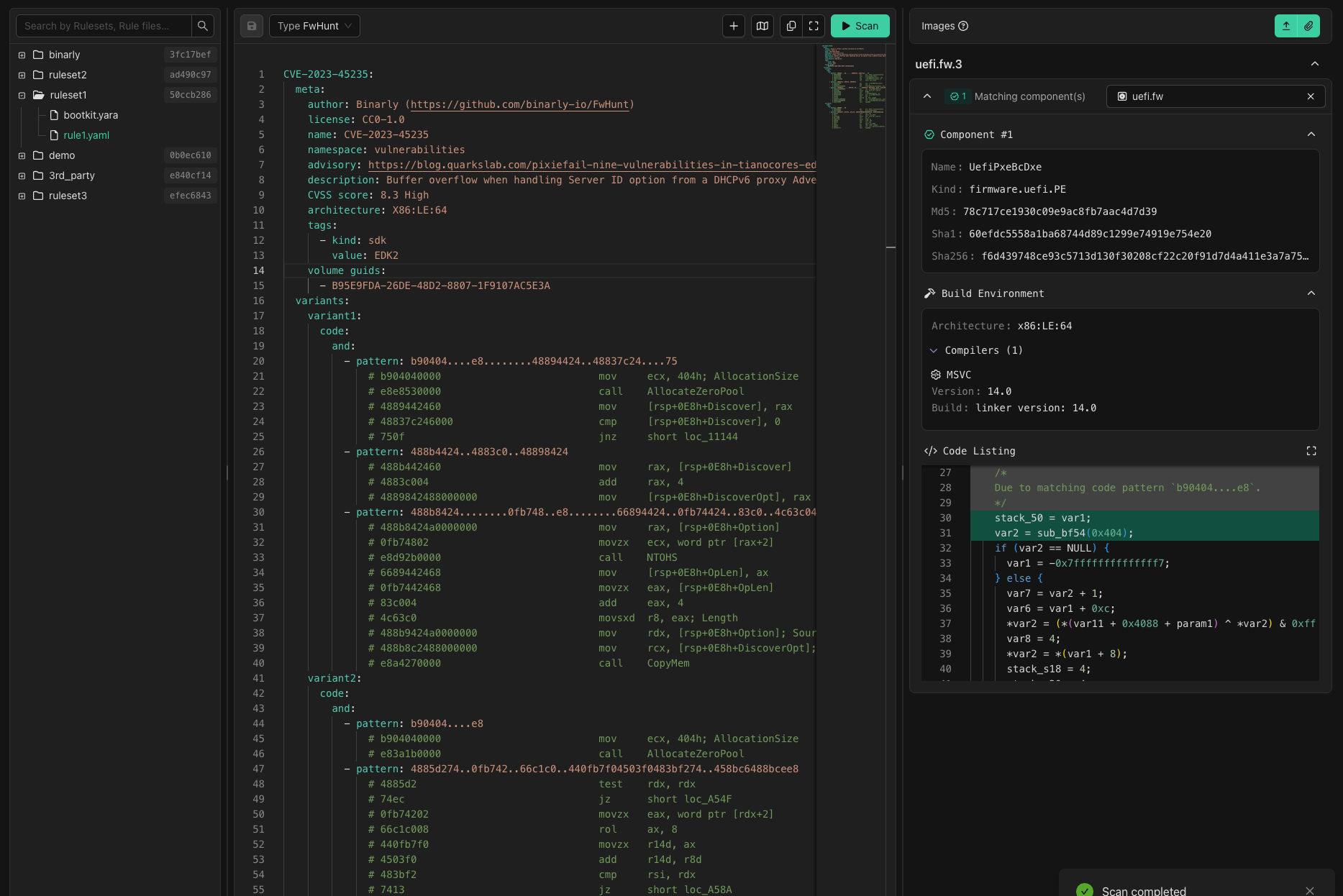
The Playground is split into three panels:- File Explorer (left) — browse your Rulesets and the individual rules within them. Selecting a rule loads it into the editor.
- Code Editor (center) — write and edit your rule. The editor auto-detects the rule format (YARA or FwHunt) as you type, and provides live syntax highlighting, linting, and inline error markers.
- Test Images and Results (right) — select images to test against or upload new ones, then view match results after running the scan.
Live linting
The editor checks your rule continuously as you type. Syntax errors and lint warnings appear inline and in the margin without needing to trigger a scan. A rule with errors cannot be scanned until the issues are resolved.Testing against images
You can test against:- Images already in the platform — select any image from products you have access to using the image search dropdown.
- Uploaded test images — upload a file directly in the Playground. Test images are session-only: they are not added to any product, not visible to other users, and are discarded when the session ends.
Reading scan results
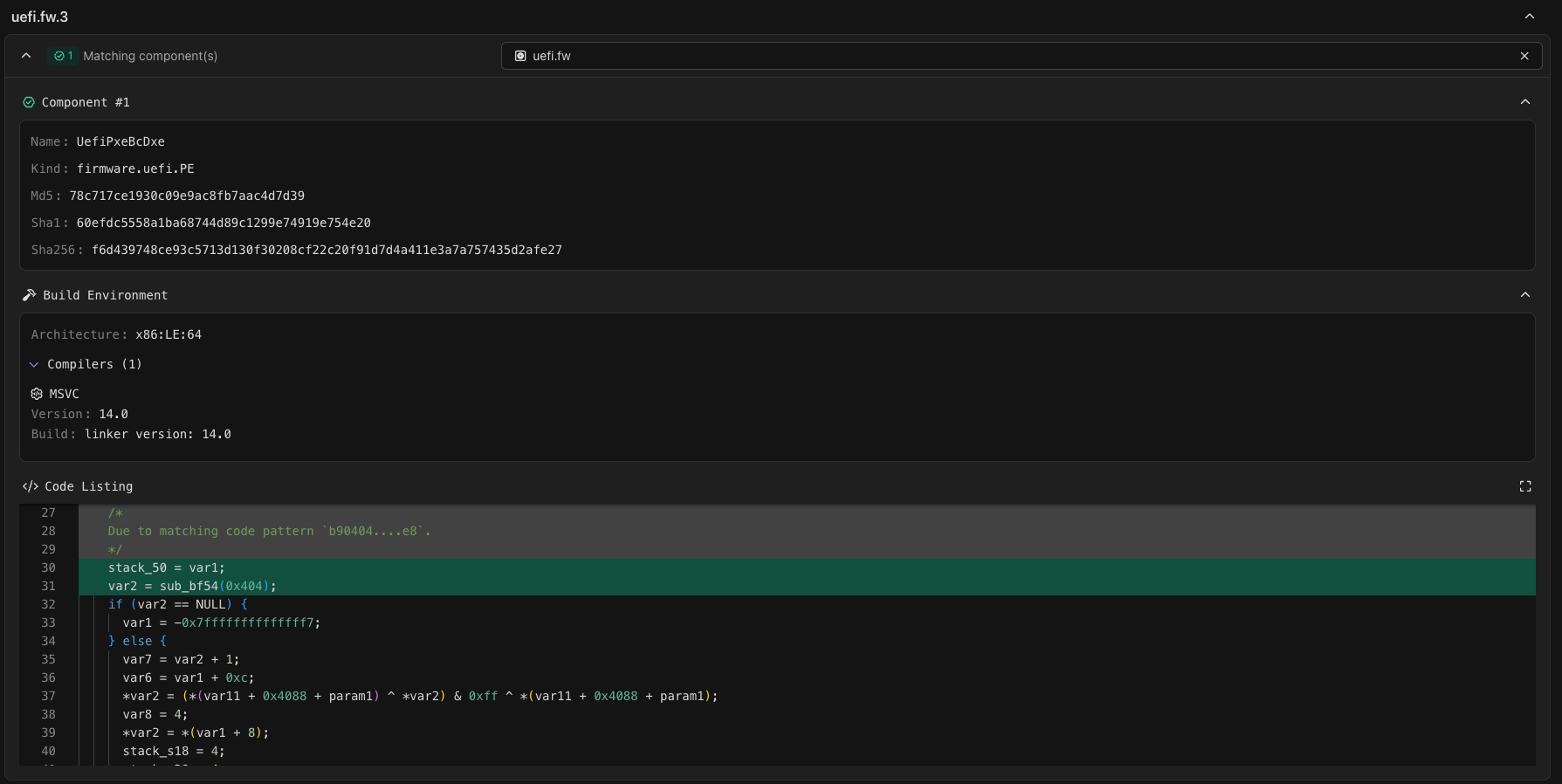
Results are grouped by image. For each image, the results show:- Components where the rule matched
- Build environment details for matched binaries
- Code listing showing the location of the match with surrounding context
- Hex dump of the matched bytes
You can only select images from products your account has permission to access.