- Organization — the Ruleset runs on all image scans across the entire organization.
- Product — the Ruleset runs only on scans for a specific product.
Only Organization Admins, Product Admins, and Rule Admins can create or manage deployments.
Creating a deployment
1
Open the Ruleset
Navigate to Rules → Rulesets and select the Ruleset you want to deploy.
2
Open the Deployments tab
Click the Deployments tab on the Ruleset detail page. Existing deployments for this Ruleset are listed here.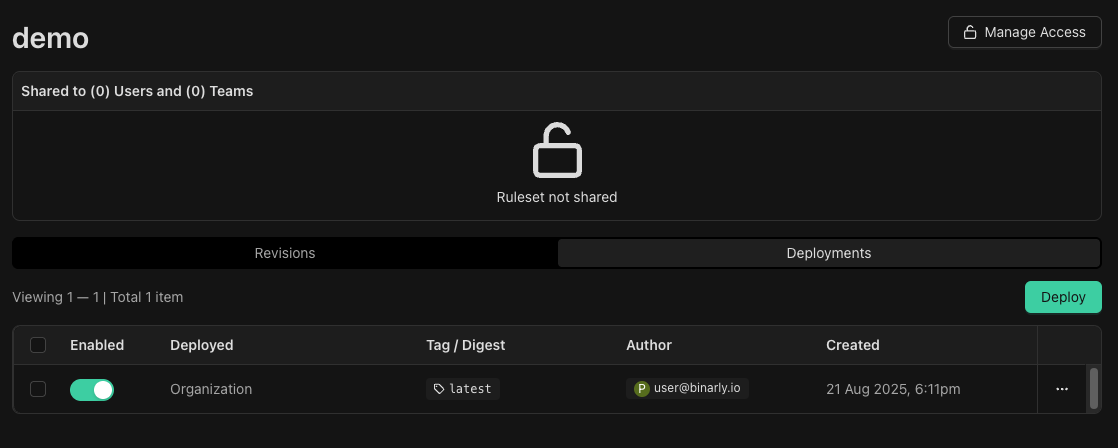
3
Create a new deployment
Click Deploy and select the scope — organization-wide or a specific product. Confirm to activate the deployment.
Findings from deployed Rulesets
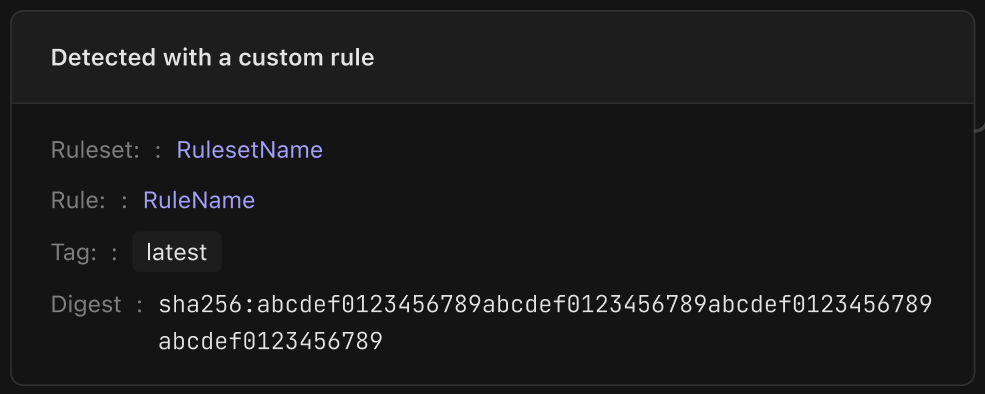
When a deployed Ruleset matches during a scan, a finding is generated and appears in the Findings tab of the affected image. Each finding includes a Detected with a custom rule section that shows:- The name of the Ruleset that produced the finding
- The specific rule within the Ruleset that matched
- The rule revision at the time of the match