This page provides information on managing users within your BTP organization. For details about organization-level roles and permissions, see Organization Roles.
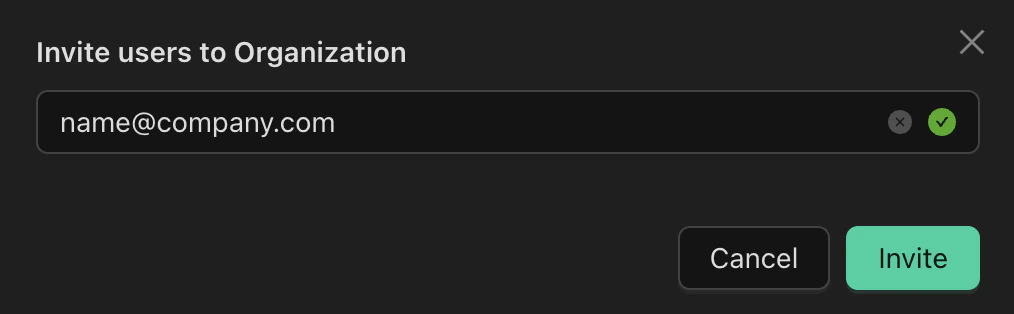
Organization Administrators can invite new users to the organization by email.To invite a new user:
Go to the Organization page.
Navigate to the Users tab.
Enter the email address of the user you wish to invite.
Click Invite.
The invited user will receive an email with instructions on how to set up their account, including creating a password and enabling two-factor authentication (OTP).
For organizations that want to use existing identity providers for user authentication, BTP supports single sign-on (SSO) via OIDC and SAML. If you’re interested in setting up SSO for your organization, please contact the Binarly Team.With Single Sign-On (SSO) enabled, users can access BTP through an identity provider (IdP) of their choice.
Was this page helpful?
Assistant
Responses are generated using AI and may contain mistakes.