

Organization Roles
In BTP, an organization is the highest-level entity. It acts as a container for all your Products, Users, and Teams. Think of it as the overarching structure that houses everything related to your work within BTP. Within each organization, the following primary roles are available:- Organization Admin: Organization Admins have the highest level of access and can manage all aspects of the organization. This includes:
- Managing users and their roles within the organization.
- Full access to all Products.
- Organizing Teams and inviting users to them.
- All other administrative functions within the organization.
- Organization User: This is the basic role assigned to all users within the organization. Their access to specific Products and features depends on the product roles assigned to them, either directly or through their Team memberships.
- Product Creator: This role has the same permissions as an Organization User but with the added ability to create new Products within the organization. Their access to and management capabilities within those products will then be determined by the product roles they are assigned.
- Ruleset Creator: This role allows users to create custom rulesets to be used in scanning images.
- Guest: A special role with a minimal level of access. Useful when giving an temporary access to a single Product and nothing else.
Resource Roles at the Organization Level
In addition to the organization-specific roles, you can assign resource-specific roles at the organization level. This grants users the corresponding permissions on all resources of such type within the organization. For detailed information about the available roles and their specific permissions, see Product Roles and Ruleset Roles. Note: Assigning such roles at the organization level can simplify access management by granting permissions across all resources at once. However, it’s important to use this feature judiciously to avoid inadvertently granting excessive access. Resource types that can have organization-level roles include:- Products
- Rulesets
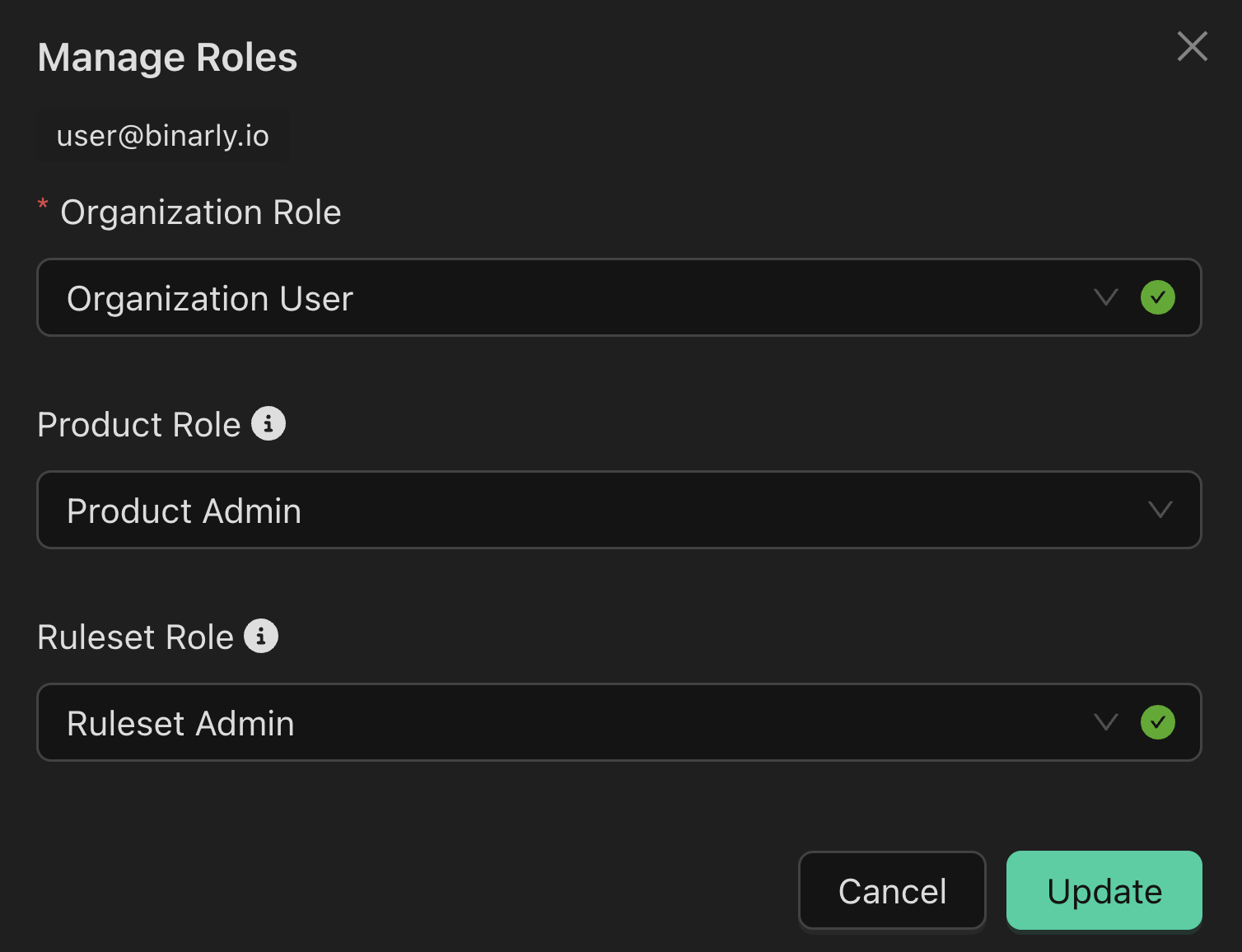
Manage organization level roles
- Go to the Organization page.
- Navigate to the Users tab.
- Select a user.
- Click Manage Roles.
Organization Permissions Table
Team Roles
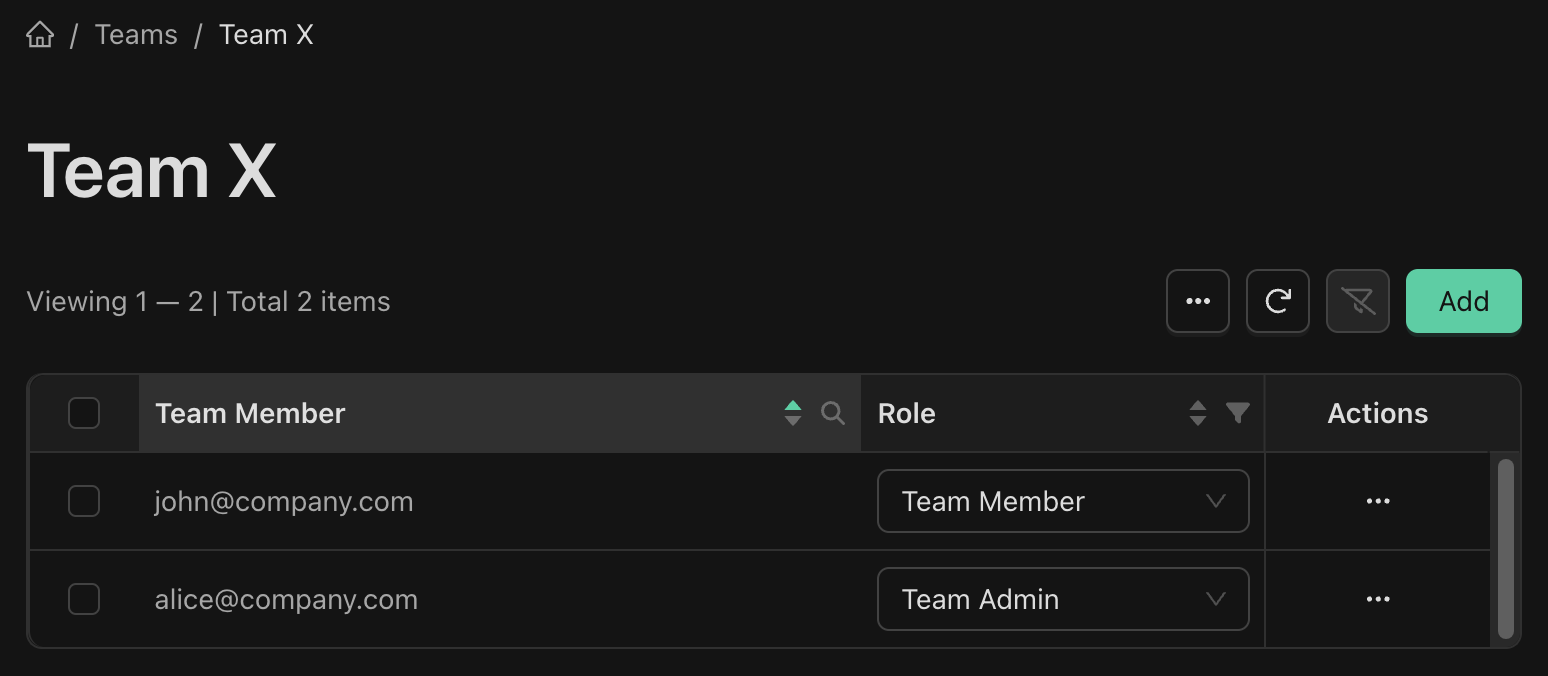
Teams streamline user management by allowing you to grant access to Products for a group of users at once. A single user can belong to multiple teams, providing flexibility in organizing your users. Within each team, there are two distinct roles:- Team Admins are members with elevated permissions, enabling them to manage the team itself. This includes adding or removing members and updating team details.
- Team Members are the individuals who have been invited to join the team.
Team Permissions Table
Product Roles
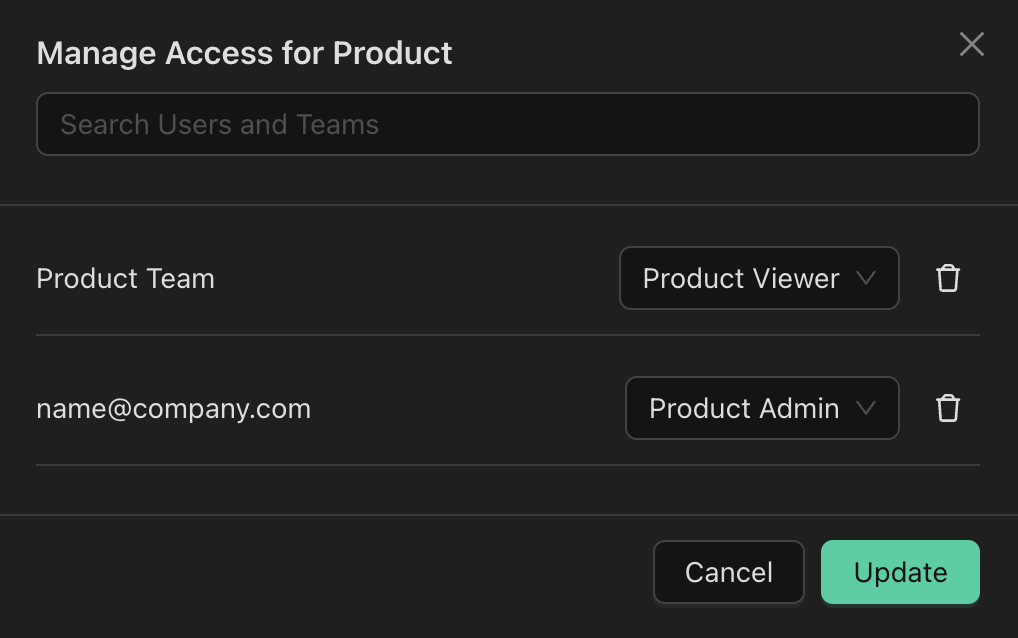
Product roles define specific levels of access to Products within an organization. These roles can be assigned at the Organization level (granting the role for all products), directly to users for a given product, or to an entire team for a given product. Here’s a breakdown of the product roles:- Product Admin: Product Admins have the highest level of access to a product. They can manage access to the product by adding or removing users and teams.
- Product Editor: Product Editors can perform almost all actions within a product, except for managing access control (adding/removing users and teams) and archiving the product.
- Product Viewer: Product Viewers have read-only access to a product.
Product Permissions Table
Creating a new Product
Users with the following roles can create new products:- Organization Admin
- Product Creator
Ruleset Roles
Ruleset roles define specific levels of access to Rulesets within an organization. These roles can be assigned at the Organization level (granting the role for all rulesets), directly to users for a given ruleset, or to an entire team for a given ruleset.- Ruleset Admin: Ruleset Admins have the highest level of access to a ruleset. They can manage access to the ruleset by adding or removing users and teams.
- Ruleset Editor: Ruleset Editors can perform almost all actions within a ruleset, except for managing access control.
- Ruleset Viewer: Ruleset Viewers have read-only access to a ruleset, including all revisions and files.