

Creating a Product
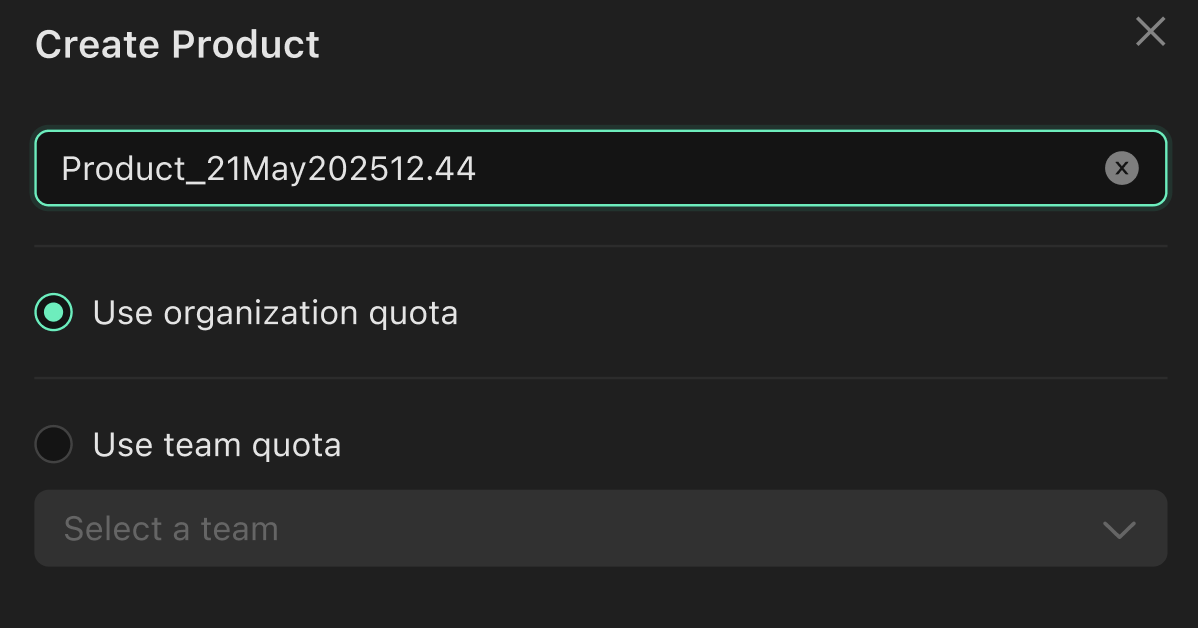
When creating a new product, the quota it uses depends on your user permissions:- Team Admins can create products that utilize their Team’s allocated quota.
- Organization Admins and Product Creators can create products that utilize the overall Organization Quota.
Setting Team Quota
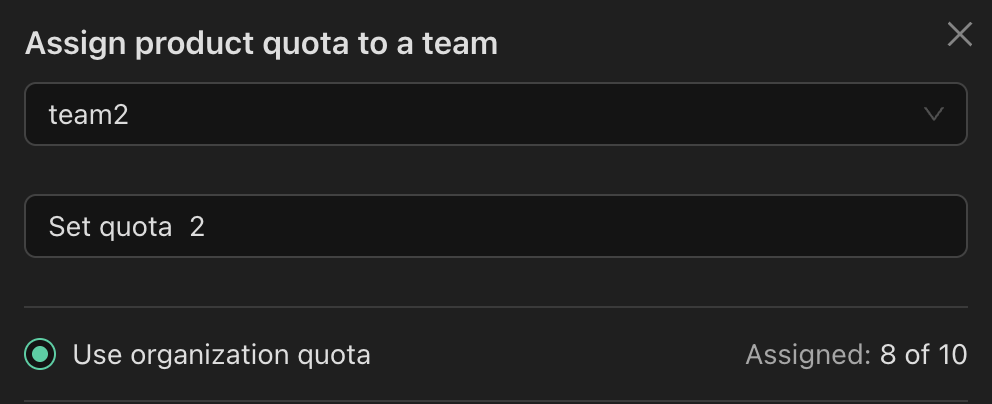
To view or adjust a team’s product quota:- Navigate to Organization > Teams.
- Locate the desired team in the table.
- Hover over the three-dot menu (…) next to the team’s name.
- Click “Update Quota”.
Viewing Team Quota
You can easily see the current quota usage for each team directly within the Organization > Teams table. The table provides a clear overview of how much product quota each team is currently utilizing.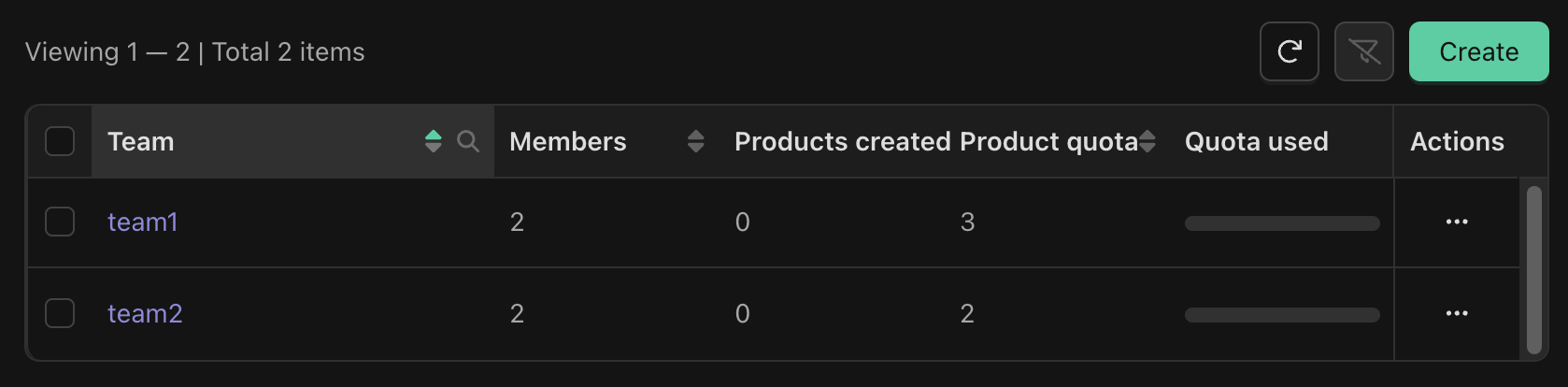
Viewing Organization Quota Usage
To see how much of your global Organization Quota has been utilized, visit the Organization page. This information is always accessible to users with appropriate viewing permissions.
How Product Quota is calculated
- Only active (unarchived) products contribute to your product quota.
- If a team is deleted, all products previously associated with that team will then count towards the Organization Quota. And the Team’s Quota is returned to the Organization.